
10 Best External Hard Drives for 2026: Ultimate Guide & Reviews
 By Slava · Updated
We may earn a commission from links on this page, at no extra cost to you. How we make money.
As our digital lives continue to expand with high-resolution photos, 4K videos, and massive game libraries, reliable external storage has become essential. The best external hard drives for 2026 offer impressive combinations of speed, capacity, durability, and value that make them perfect companions for backing up precious data, expanding your device's storage, or creating a portable media library. Whether you're a content creator, gamer, business professional, or simply someone who values data security, this comprehensive guide will help you find the perfect external drive to meet your specific needs.
Our top picks
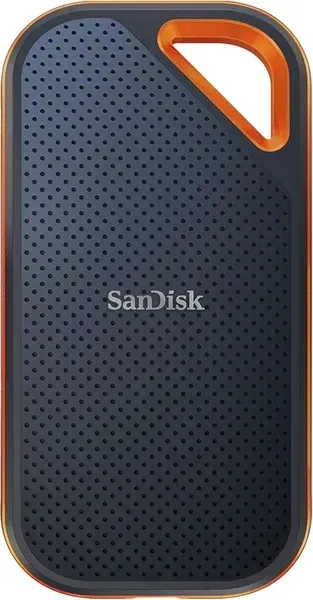 SanDisk Extreme Pro Portable SSD V2$180
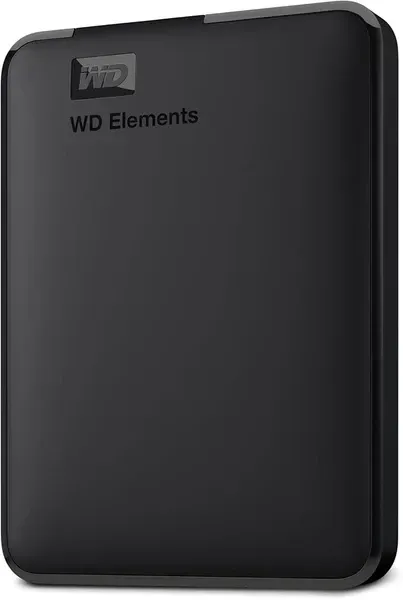 WD Elements Portable$55-$120
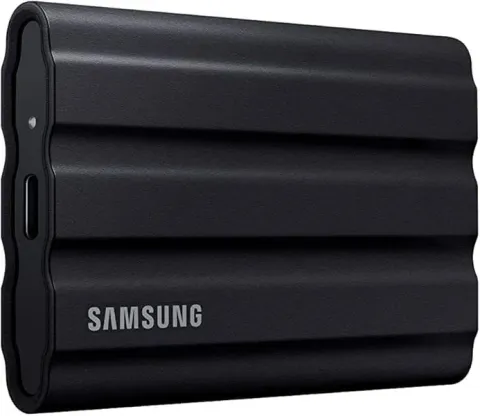 Samsung T7 Shield$120-$350
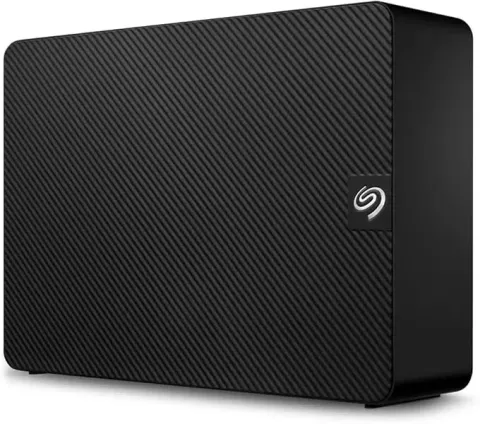 Seagate Expansion Desktop$90-$450
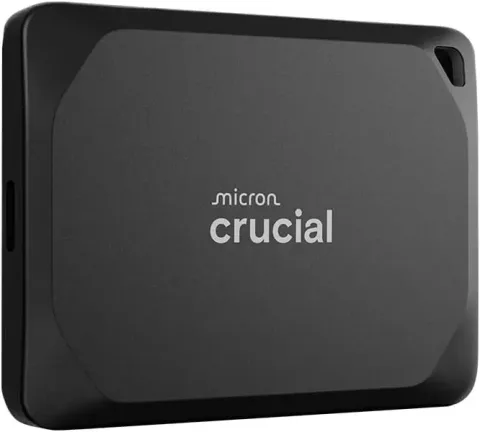 Crucial X9 Pro$100-$320
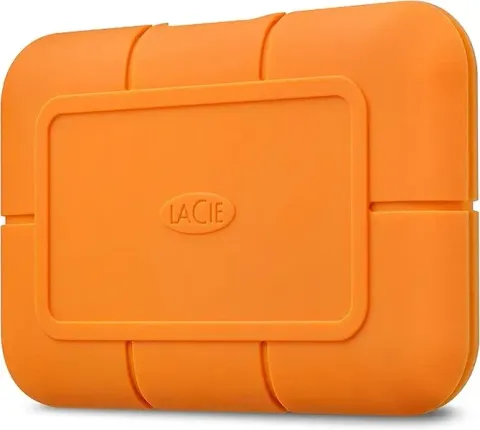 LaCie Rugged SSD4$170-$450
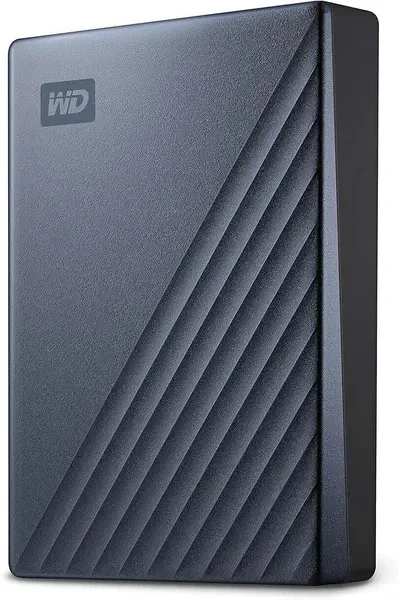 WD My Passport Ultra$65-$140
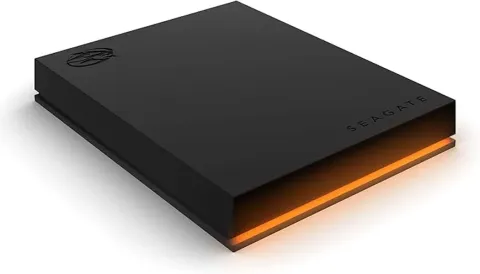 Seagate FireCuda Gaming$80-$150
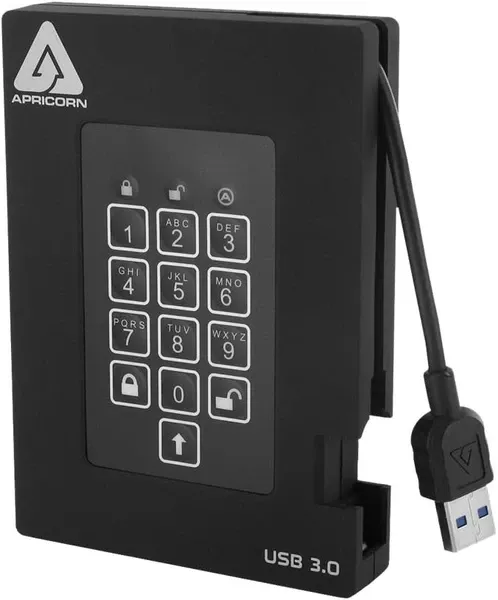
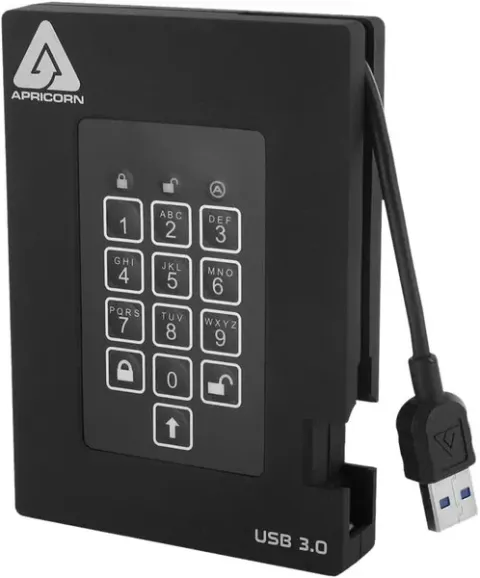 Apricorn Aegis Padlock Fortress$200-$600
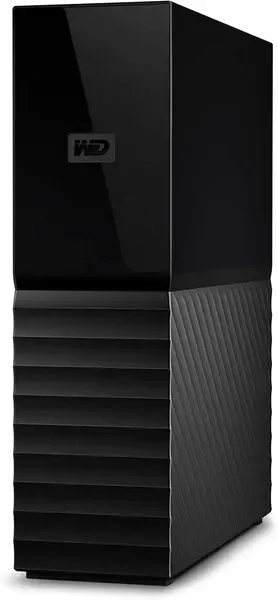 WD My Book Desktop$100-$450
Contents
1. SanDisk Extreme Pro Portable SSD V2
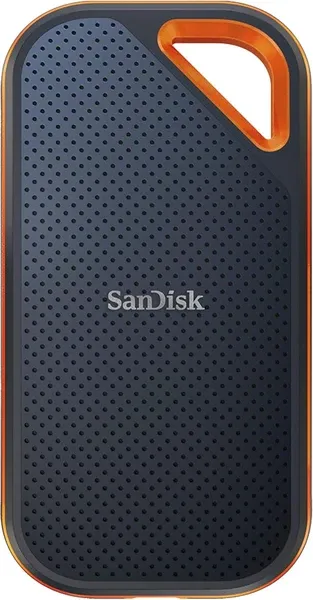
Key Features
This rugged drive features an IP65 rating for water and dust resistance, along with 2-meter drop protection thanks to its forged aluminum chassis that doubles as a heatsink. The rubberized exterior provides additional grip and shock absorption. For security, it offers 256-bit AES hardware encryption and password protection. The drive is compatible with Windows, macOS, and Android devices through its USB-C connection, with an included USB-A adapter for legacy systems.
Best Use Cases
The Extreme Pro V2 excels at demanding workflows like 4K/8K video editing, RAW photo processing, and high-end gaming. Its combination of speed and durability makes it ideal for content creators who need to transfer large files quickly while working in varied environments. The drive's compact size also makes it perfect for professionals who need reliable storage on the go.
Pros
- Exceptional 2,000MB/s read/write speeds
- Rugged, water and dust resistant design
- Compact and lightweight
- Hardware encryption for data security
Cons
- Premium price point
- Requires compatible USB 3.2 Gen 2x2 port for maximum speeds
- Can run warm during intensive operations
2. WD Elements Portable
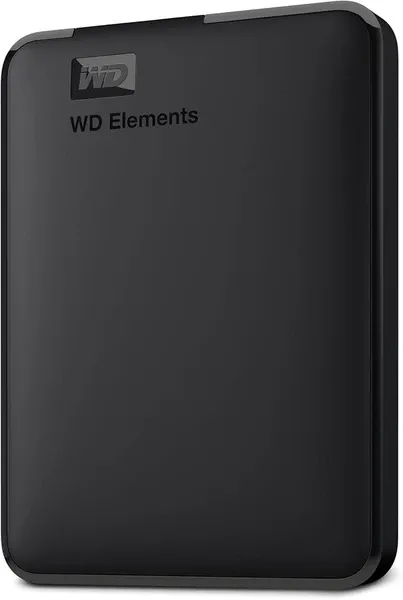
Key Features
This drive features a straightforward, no-frills design with a durable plastic enclosure that's compact enough to slip into a pocket or laptop bag. It's bus-powered, meaning no external power adapter is required. The drive comes formatted in NTFS for immediate use with Windows, though it can be easily reformatted for macOS compatibility. While it lacks specialized encryption features, its simplicity makes it extremely user-friendly and versatile.
Best Use Cases
The WD Elements Portable is ideal for general backup purposes, document storage, and media libraries. Its balance of capacity, reliability, and affordability makes it perfect for students, home users, and anyone who needs dependable storage without advanced features. It's particularly well-suited for storing photo collections, music libraries, and document archives where transfer speed isn't the primary concern.
Pros
- Excellent value for high capacity storage
- Reliable performance for everyday tasks
- Compact, portable design
- No external power required
Cons
- Slower than SSD options
- No specialized durability features
- No built-in encryption
3. Samsung T7 Shield
Key Features
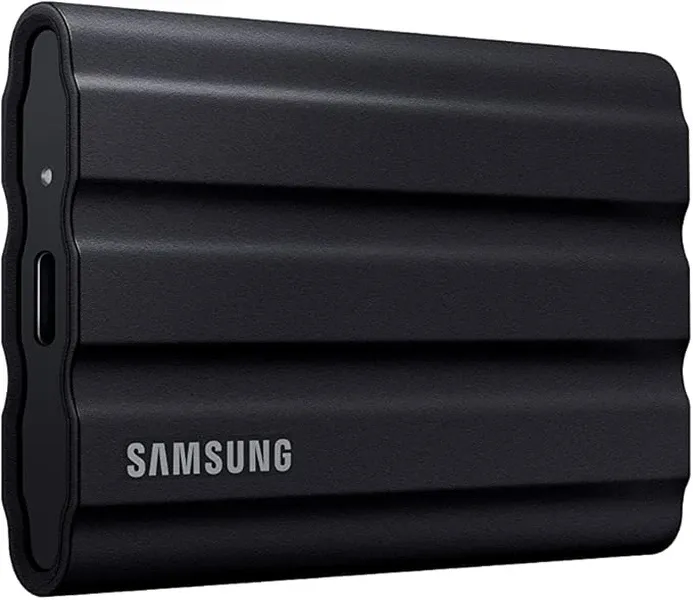
The T7 Shield stands out with its rugged design, featuring an IP65 rating for dust and water resistance and drop protection up to 3 meters. The rubberized exterior provides excellent grip and additional shock absorption. Security features include AES 256-bit hardware encryption and optional password protection through Samsung's Portable SSD software. It's compatible with Windows, macOS, Android, and various gaming consoles, with both USB-C to C and USB-C to A cables included.
Best Use Cases
This drive is perfect for outdoor photographers, adventure travelers, and field professionals who need reliable storage in challenging environments. Its combination of durability and speed also makes it ideal for content creators who work on location or gamers who want to expand their console storage. The drive's compact size and rugged build quality ensure your data remains safe whether you're in the studio or out in the elements.
Recommended Accessory: UGREEN Hard Drive Case
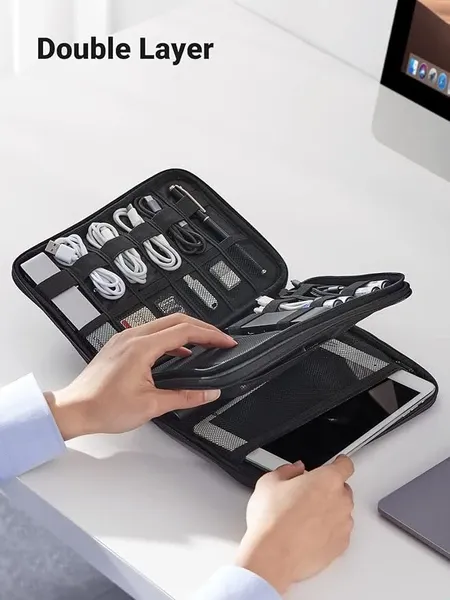
Protect your investment in portable drives like the Samsung T7 Shield and SanDisk Extreme Pro with this durable hard drive carrying case. The UGREEN case features a shock-absorbing EVA exterior, water-resistant design, and customizable interior compartments that can accommodate multiple drives, cables, adapters, and memory cards.
The case's hard shell provides excellent protection against drops and impacts, while the soft interior prevents scratches on your valuable storage devices. Its compact design makes it easy to slip into a backpack or laptop bag, ensuring your drives remain safe during travel or commuting.
Pros
- Excellent durability with IP65 rating
- Fast transfer speeds for most applications
- Compact and lightweight design
- Hardware encryption for data security
Cons
- Not as fast as NVMe-based SSDs
- Higher price per TB than standard portable drives
- Software requires installation for encryption features
4. Seagate Expansion Desktop
Key Features
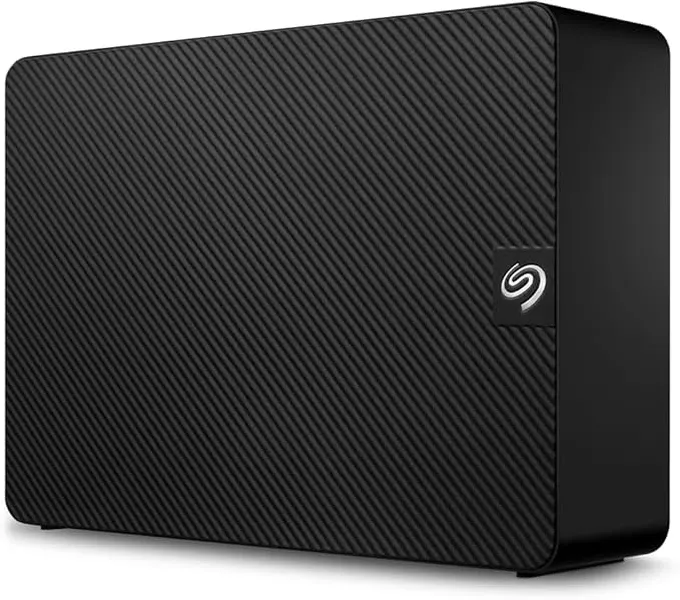
This desktop drive features a sleek, vertical design that minimizes desk footprint while maximizing airflow for better cooling. It requires external power through the included adapter but offers exceptional storage density and value per terabyte. The drive comes pre-formatted in NTFS for Windows but can be reformatted for macOS. Its simple plug-and-play setup requires no additional software installation for basic functionality.
Best Use Cases
The Seagate Expansion Desktop is ideal for comprehensive system backups, media archives, and large file storage. Its massive capacity makes it perfect for videographers storing 4K footage, photographers with extensive RAW libraries, or anyone maintaining large media collections. While not portable, it serves as an excellent central storage hub for home or office setups where capacity and value are the primary concerns.
Pros
- Massive storage capacity options
- Excellent price per terabyte value
- Faster performance than portable HDDs
- Simple setup and operation
Cons
- Requires external power
- Not portable or rugged
- No built-in encryption features
5. Crucial X9 Pro
Key Features
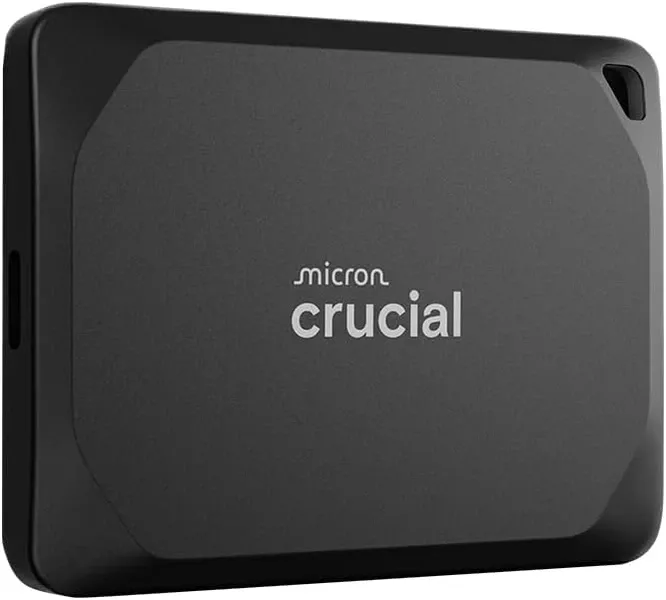
This drive features a compact, minimalist design with an aluminum enclosure that helps dissipate heat during extended use. It boasts an IP55 rating for dust and water resistance, providing moderate protection against the elements. The X9 Pro is plug-and-play compatible with Windows, macOS, Android, and various gaming consoles through its USB-C connection, with an included USB-A adapter for older systems. Crucial's Storage Executive software offers additional features like drive health monitoring.
Best Use Cases
The Crucial X9 Pro is well-suited for photographers, videographers, and content creators who need reliable, high-speed storage without breaking the bank. Its combination of performance, reliability, and reasonable pricing makes it excellent for everyday creative workflows, gaming libraries, and general high-speed storage needs. The drive's compact size and decent durability also make it appropriate for field work and travel.
Pros
- Great balance of performance and price
- Compact, pocket-sized design
- Good heat management
- Wide compatibility across devices
Cons
- Not as rugged as specialized drives
- No hardware encryption
- Software features require installation
6. LaCie Rugged SSD4
Key Features
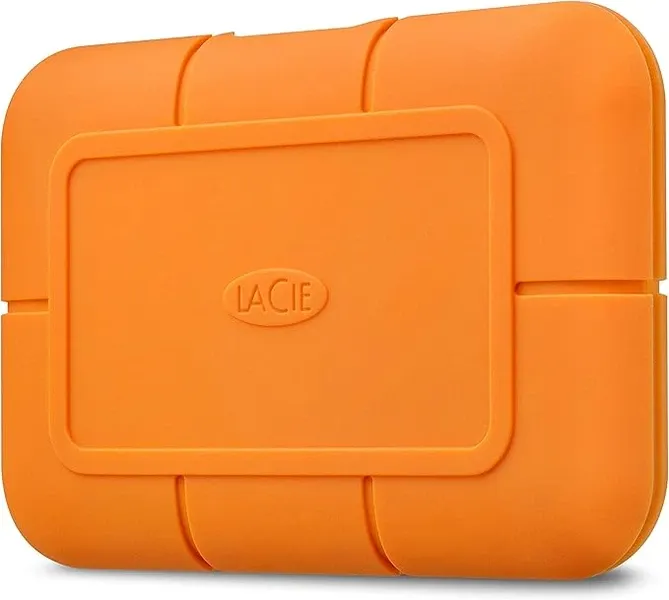
This drive features LaCie's iconic orange rubber bumper design, providing IP54 splash and dust resistance along with 3-meter drop protection. The aluminum core acts as a heatsink to maintain performance during extended use. The SSD4 is compatible with both Windows and Mac systems through its USB-C connection, supporting USB4, Thunderbolt 4, and Thunderbolt 3 for maximum flexibility. LaCie also includes a 3-year warranty with Rescue Data Recovery Services.
Best Use Cases
The LaCie Rugged SSD4 is designed for professional videographers, film editors, and content creators working with 4K/8K footage and other demanding media. Its combination of ultra-fast transfer speeds and proven durability makes it ideal for on-location shoots, studio-to-field transfers, and professional backup workflows. The drive's performance also makes it excellent for creative professionals who frequently work with large files in challenging environments.
Recommended Accessory: Anker USB-C Hub
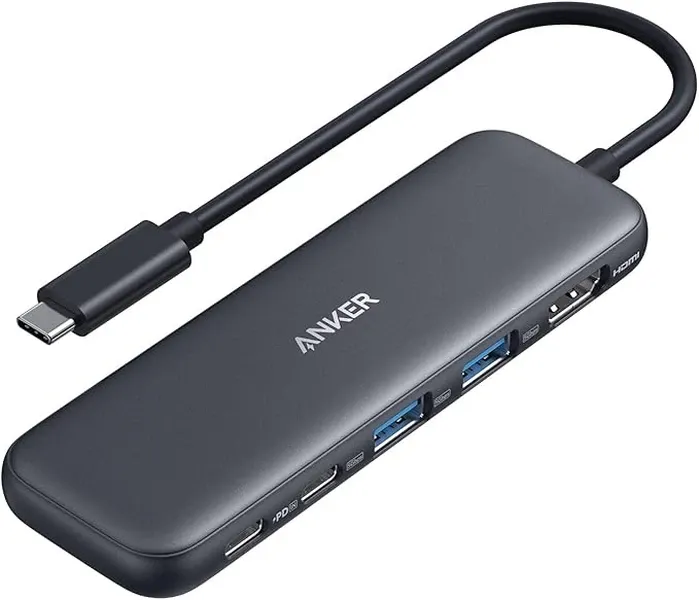
Get the most out of high-speed drives like the LaCie Rugged SSD4 with this versatile USB-C hub. The Anker hub transforms a single USB-C port into multiple connection options, including USB-C data transfer ports, USB-A 3.0 ports, HDMI output, and SD card readers.
This hub is perfect for users with modern laptops that have limited port options, allowing you to connect multiple external drives simultaneously while maintaining high transfer speeds. Its aluminum construction helps dissipate heat during intensive data transfers, and the compact design makes it ideal for both desktop setups and on-the-go use.
Pros
- Blazing-fast 4,000MB/s read speeds
- Proven rugged design with drop protection
- Included data recovery services
- Excellent cross-platform compatibility
Cons
- Premium price point
- Port cover can be easily lost
- Requires USB4/Thunderbolt for maximum speeds
7. WD My Passport Ultra
Key Features
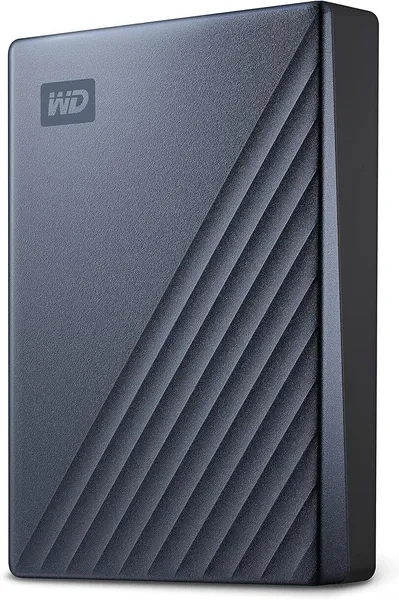
This drive features a premium metal top cover and textured bottom for improved aesthetics and grip. It comes with a USB-C port and includes both USB-C to C and USB-C to A cables for maximum compatibility across devices. The drive offers password protection and 256-bit AES hardware encryption through WD Discovery software. For Mac users, a dedicated Mac version is available that's pre-formatted in HFS+, though the standard version can be reformatted for macOS use.
Best Use Cases
The WD My Passport Ultra is ideal for users who want a step up in design and features from basic portable drives. Its combination of security features, premium design, and USB-C connectivity makes it perfect for business professionals, students, and home users who regularly transfer files between different devices. The drive is particularly well-suited for document storage, photo libraries, and general backup purposes where aesthetic appeal matters.
Pros
- Premium design with metal finish
- Native USB-C connectivity
- Hardware encryption for security
- Includes both USB-C and USB-A cables
Cons
- Slower than SSD alternatives
- Higher price than basic portable HDDs
- Software required for encryption features
8. Seagate FireCuda Gaming
Key Features
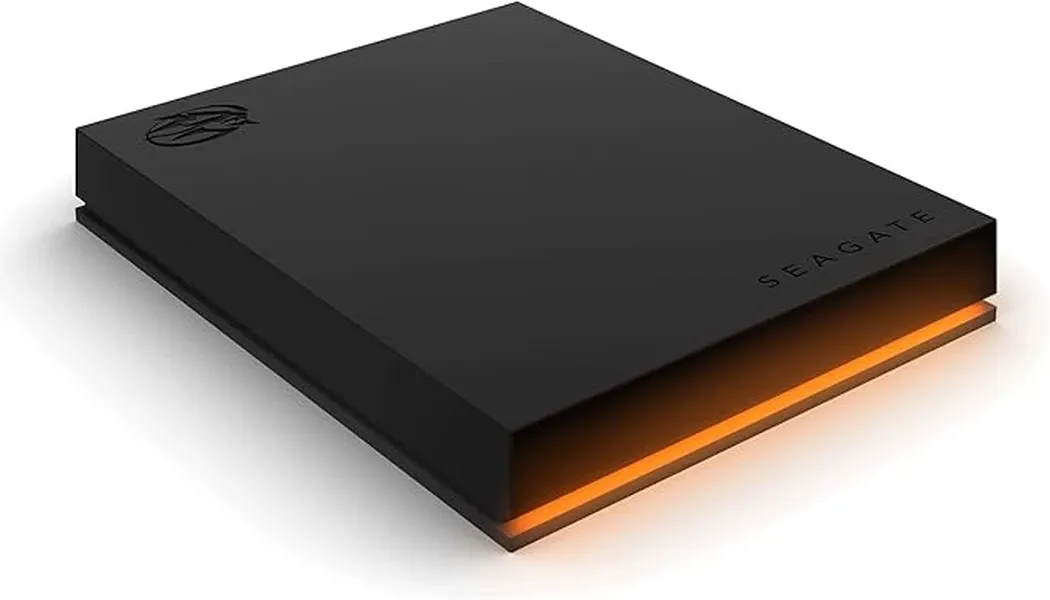
This gaming-focused drive features customizable RGB lighting that's compatible with Razer Chroma, allowing it to synchronize with your gaming setup. The sleek, angular design is specifically crafted to complement gaming aesthetics. It's bus-powered for simple setup and includes Seagate's Toolkit software for backup and restore functions. The drive is compatible with PC, Mac, PS4, and Xbox One, though next-gen games for PS5 and Xbox Series X|S require faster internal storage.
Best Use Cases
The FireCuda Gaming drive is ideal for console and PC gamers looking to expand their game libraries without breaking the bank. It's perfect for storing and playing PS4/Xbox One games directly from the drive, archiving PS5/Xbox Series X|S games when not in use, and backing up game saves and screenshots. The customizable RGB lighting makes it an attractive addition to gaming setups where aesthetics matter as much as functionality.
Pros
- Customizable RGB lighting
- Gaming-oriented design
- Large capacity for game libraries
- Wide console compatibility
Cons
- Slower than SSD options for game loading
- Limited use for next-gen console games
- Higher price than standard portable HDDs
9. Apricorn Aegis Padlock Fortress
Key Features
This drive stands out with its FIPS 140-2 Level 2 validated hardware encryption and physical keypad for PIN entry, eliminating the need for software-based security. It features military-grade AES-XTS 256-bit hardware encryption, brute force protection, and a self-destruct feature for maximum data security. The drive is IP65 rated for dust and water resistance and features a rugged aluminum enclosure. It's compatible with any operating system, including embedded systems and equipment with no keyboard.
Best Use Cases
The Aegis Padlock Fortress is ideal for government agencies, healthcare organizations, financial institutions, and businesses handling sensitive data. Its combination of certified security features and physical access control makes it perfect for storing confidential documents, patient records, financial data, and intellectual property. The drive is also well-suited for secure data transport between facilities and for professionals who need to comply with strict data protection regulations.
Pros
- FIPS 140-2 Level 2 validated encryption
- Physical keypad for secure access
- No software required for security features
- Universal OS compatibility
Cons
- Premium price point
- Bulkier than standard portable drives
- Learning curve for advanced security features
10. WD My Book Desktop
Key Features
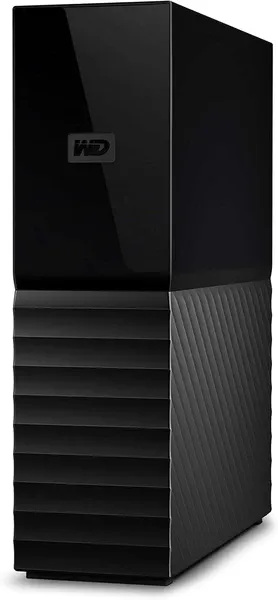
This desktop drive features a sleek, book-like vertical design that minimizes desk space while providing excellent cooling. It includes WD Backup software for scheduled automatic backups and 256-bit AES hardware encryption with password protection. The drive requires external power through the included adapter but offers exceptional storage density and value. It comes pre-formatted in NTFS for Windows but can be reformatted for macOS use.
Best Use Cases
The WD My Book Desktop is perfect for comprehensive system backups, media archives, and professional storage needs. Its automatic backup software makes it ideal for users who want set-and-forget protection for their important files. The drive is particularly well-suited for creative professionals with large media libraries, home users storing extensive photo and video collections, and small businesses needing reliable on-site backup solutions.
Recommended Accessory: Cable Matters Active Thunderbolt 4 Cable
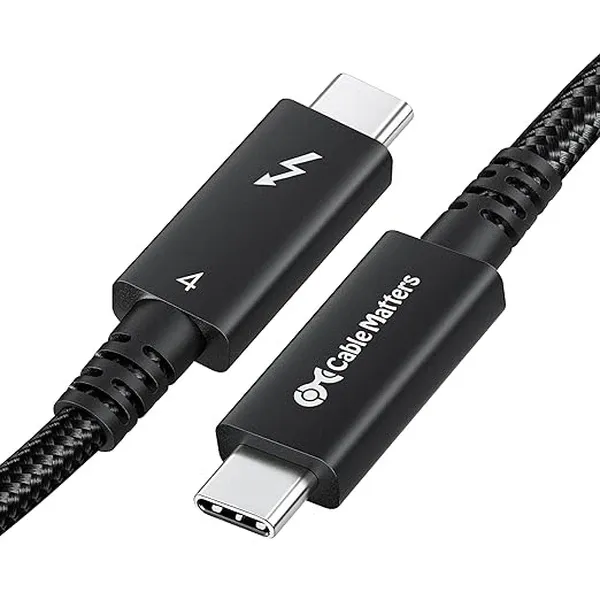
Maximize the performance of high-speed drives like the LaCie Rugged SSD4 and SanDisk Extreme Pro with this certified Thunderbolt 4 cable. This active cable supports the full 40Gbps bandwidth of Thunderbolt 4 and USB4, ensuring you get the maximum speed from your premium external drives.
Unlike standard USB-C cables that may limit performance, this certified cable maintains peak transfer rates even at its full 2-meter length. The braided design provides durability against bending and fraying, while the reinforced connectors ensure a secure fit. It's fully backward compatible with Thunderbolt 3, USB4, USB 3.2, and earlier USB standards, making it a versatile addition to your storage toolkit.
Pros
- Massive storage capacity options
- Included backup software
- Hardware encryption for security
- Excellent price per terabyte value
Cons
- Requires external power
- Not portable
- Slower than SSD options
Choosing the Right External Hard Drive for Your Needs
When selecting the perfect external hard drive from our 2025 lineup, consider your specific requirements carefully. For maximum performance and durability, premium SSDs like the SanDisk Extreme Pro V2 and LaCie Rugged SSD4 offer unmatched speed and reliability, albeit at a higher price point. If capacity and value are your priorities, traditional HDDs like the WD Elements Portable and Seagate Expansion Desktop provide massive storage at budget-friendly prices.
For specialized needs, consider security-focused options like the Apricorn Aegis Padlock Fortress for sensitive data, gaming-oriented drives like the Seagate FireCuda for expanding your game library, or rugged models like the Samsung T7 Shield for fieldwork in challenging environments. Remember that investing in quality accessories like protective cases, compatible hubs, and high-speed cables will help you get the most from your external storage investment while protecting it for years to come.
Regardless of which drive you choose, implementing a comprehensive backup strategy that includes multiple storage locations will ensure your valuable data remains safe and accessible whenever you need it. The best external hard drive is ultimately the one that fits seamlessly into your workflow while providing the perfect balance of performance, capacity, durability, and value for your specific needs.